Every growing pest control business reaches a point where a notebook, a WhatsApp group, and a memory for renewals stop being enough. Visits get missed, invoices go out late, and follow-ups slip through the cracks. That is when owners start looking at pest control software — and quickly get overwhelmed by choices and jargon. This buyer's guide cuts through the noise and explains what to actually look for when choosing pest control software in India.
First, be clear about the problem you are solving
Software is a tool, not a magic fix, so start by naming your biggest operational pain. Is it missed renewals costing you recurring income? Late or unprofessional invoices? No clarity on which technician did what? Difficulty tracking payments and dues? The right software is the one that solves your specific problems, not the one with the longest feature list. Write down your top three headaches before you look at a single demo.
Core features that matter for pest control
Generic business software rarely fits pest control, because this trade has its own rhythms — scheduled visits, AMCs, warranties, and field technicians. Look specifically for:
- Customer and contract management, including AMC tracking and renewal reminders.
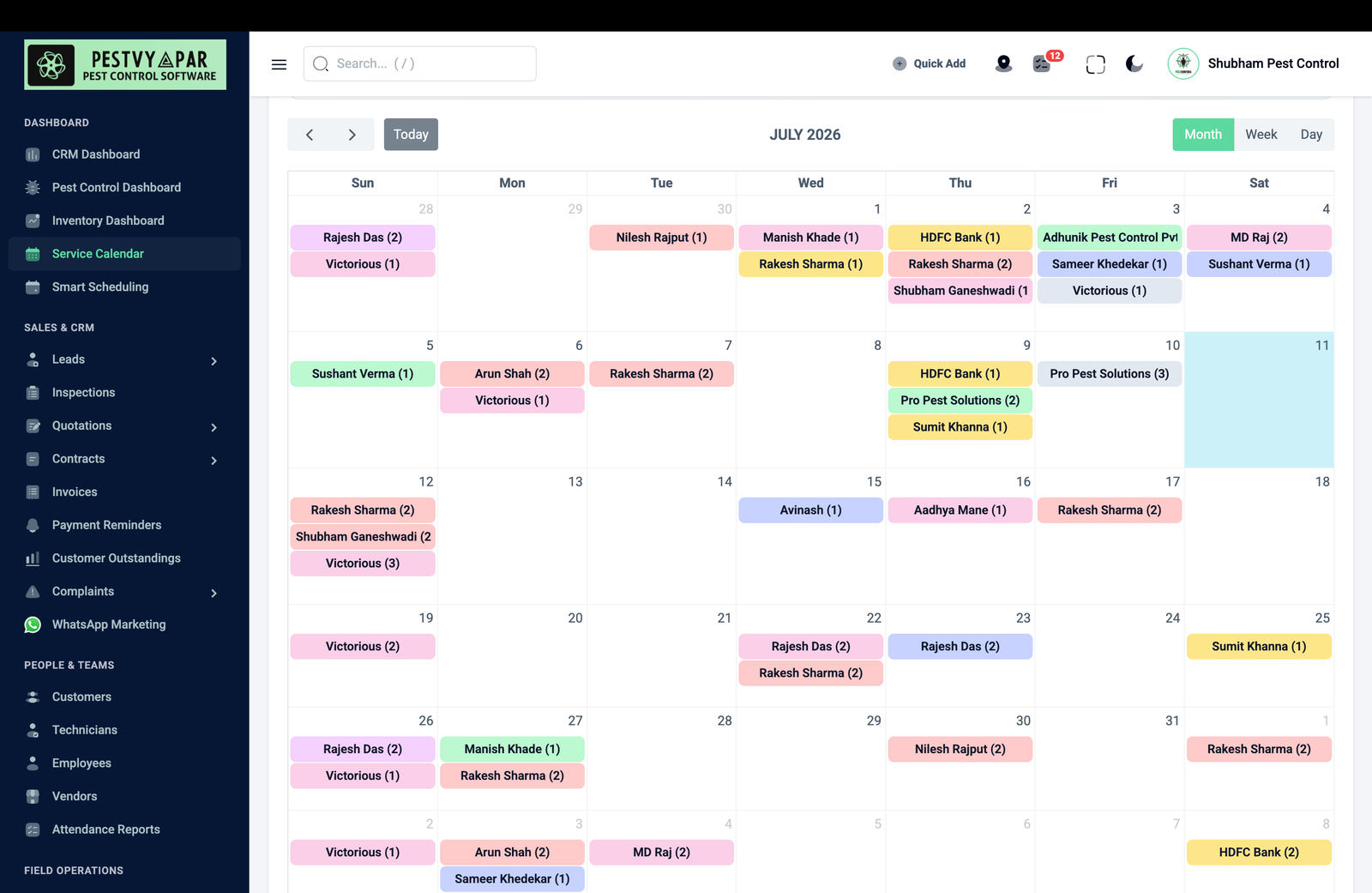
- Visit scheduling and technician assignment, so nothing is missed.
- GST-compliant invoicing and quotations built for Indian billing.
- Service reports and treatment history stored per customer.
- Payment and dues tracking so you always know who owes what.
- A mobile app for technicians in the field, ideally with location capture.
India-specific requirements
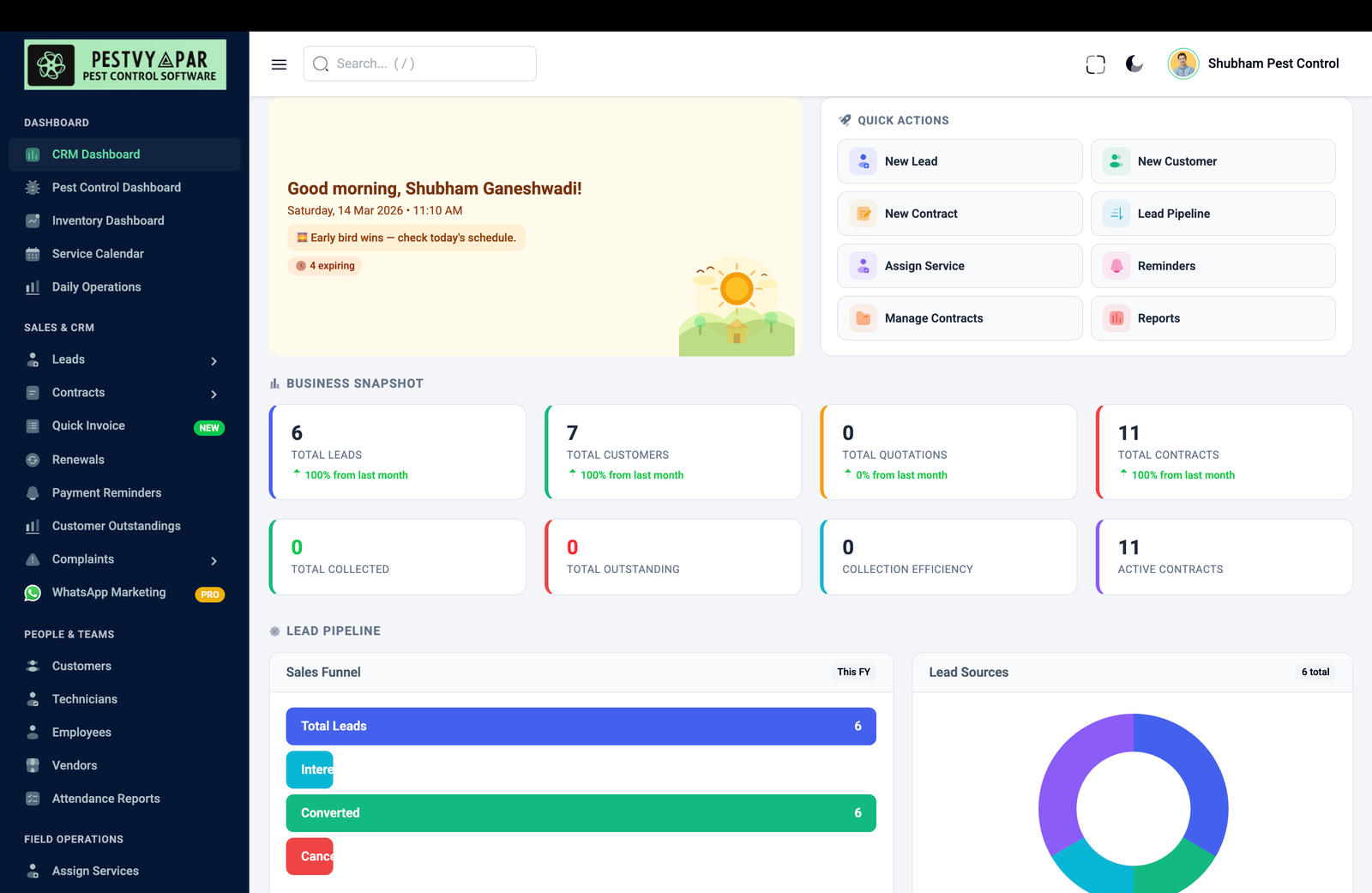
Software built abroad often stumbles on the details that matter here. Make sure it handles GST invoicing correctly, supports rupee formatting and Indian number conventions, works well on modest Android phones your technicians actually use, and can send updates over WhatsApp, which is how most Indian customers prefer to communicate. Software designed for the Indian pest control market — like PestVyapar — already accounts for these realities instead of forcing you to work around a foreign template.
Do not buy the software with the most features. Buy the one that removes your three biggest daily headaches and fits how business is actually done in India.
Ease of use beats feature count
The most powerful software is worthless if your team will not use it. Your technicians may not be highly tech-savvy, so the field app must be simple enough to learn in minutes. The office interface should be clear, not cluttered. During a demo, ask yourself honestly: could my least tech-comfortable staff member use this? A tool that people actually adopt beats a feature-packed system that sits unused because it is too complicated.
Questions to ask any vendor
- Is it built for pest control specifically, or a generic tool adapted to it?
- Does it handle GST invoicing, AMCs, and renewal reminders out of the box?
- How simple is the technician mobile app, and does it work offline or on weak networks?
- What does onboarding and training involve, and is support available in a language my team is comfortable with?
- How is my data stored and backed up, and can I export it if I ever leave?
- What is the real, all-in cost — per user, per month, and any hidden charges?
Start where it hurts most
You do not have to digitise everything on day one. The smartest way to adopt software is to start with the area causing the most pain — often renewals and invoicing — get comfortable, and expand from there. A good vendor helps you onboard gradually rather than dumping every feature on you at once. The goal is steady adoption that sticks, so that within a few months the software has quietly become the backbone your business runs on, freeing you to focus on service and growth.
Cloud versus offline, and what "support" really means
Beyond features, two practical questions shape how well software actually serves you. First, is it cloud-based or installed on one computer? Cloud software lets you and your technicians access the same live information from anywhere — the office, the field, your phone at home — and keeps your data backed up automatically, which matters enormously when your business depends on that customer list. Installed software tied to a single machine is a liability the day that machine fails. For a growing pest control business, cloud-based is almost always the right choice, and it is now the norm for good reason.
Second, look hard at support, because software you cannot get help with quickly becomes software you stop using. Ask what happens when something goes wrong or you do not understand a feature: is there responsive support in a language your team is comfortable with, is onboarding help included, and are updates and improvements delivered regularly? A vendor who understands the Indian pest control trade and answers your questions promptly is worth far more than a slightly cheaper tool from a company that disappears after the sale. The software is a long-term relationship, not a one-time purchase, so choose a vendor you can rely on for years, not just a feature list that looks good in a demo.
Frequently Asked Questions
What should I look for in pest control software?
Focus on features that fit the trade — customer and AMC management, renewal reminders, visit scheduling, GST invoicing, service history, payment tracking, and a simple technician mobile app. The right choice solves your specific operational pains, not the one with the longest feature list.
Why not just use generic business software?
Generic tools miss the rhythms of pest control — scheduled visits, AMCs, warranties, and field technicians — and often handle GST and WhatsApp poorly. Software built for Indian pest control, like PestVyapar, already accounts for these realities instead of forcing workarounds.
What India-specific features matter?
Correct GST invoicing, rupee and Indian number formatting, a field app that runs on modest Android phones, and WhatsApp updates that customers prefer. Software designed for the Indian market handles these out of the box.
Is ease of use more important than features?
Yes. Powerful software is worthless if your team will not use it. The technician app must be learnable in minutes and the office interface clear. During a demo, ask whether your least tech-comfortable staff member could actually use it.
How do I start using pest control software without disruption?
Start with the area causing the most pain — usually renewals and invoicing — get comfortable, then expand. A good vendor helps you onboard gradually rather than dumping every feature on you at once, so adoption sticks.
What questions should I ask a software vendor?
Ask whether it is built for pest control specifically, whether it handles GST, AMCs, and reminders out of the box, how simple the technician app is, what onboarding and support involve, how your data is stored and exportable, and the true all-in cost.